Blog
Guides, updates and release notes from the Fenrir team.
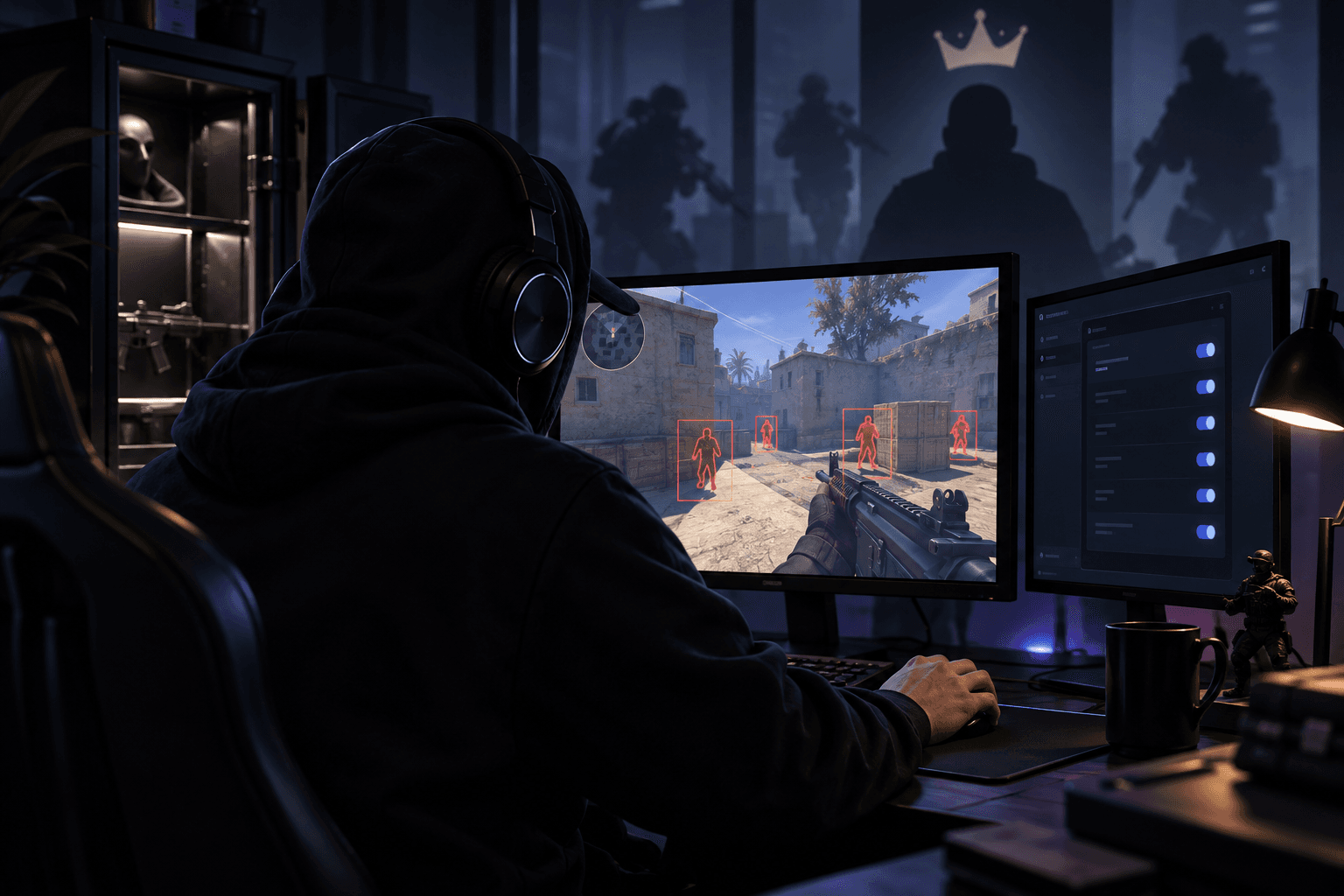
How to Choose and Run a Private Cheat Without Breaking It
What separates a well-run private cheat from one that gets an account flagged, and how to set one up without breaking it.

Is It Safe to Buy Game Cheats? How to Spot a Scam Seller
What actually goes wrong when people buy game cheats online, and the concrete signs that separate a real seller from a scam.

HWID Ban Explained: How to Check It and When You Need a Spoofer
What an HWID ban actually is, how to tell you have one, and how a spoofer works under the hood to reset your hardware fingerprint.

How Games Detect Cheats and What Determines Ban Length
Understand how cheat detection works and what determines ban length — from signature scans to manual review.
EAC, BattlEye and Vanguard Explained: How Anti-Cheat Systems Actually Work
How EAC, BattlEye and Riot Vanguard actually catch cheats: kernel drivers, memory scans and hardware bans explained.
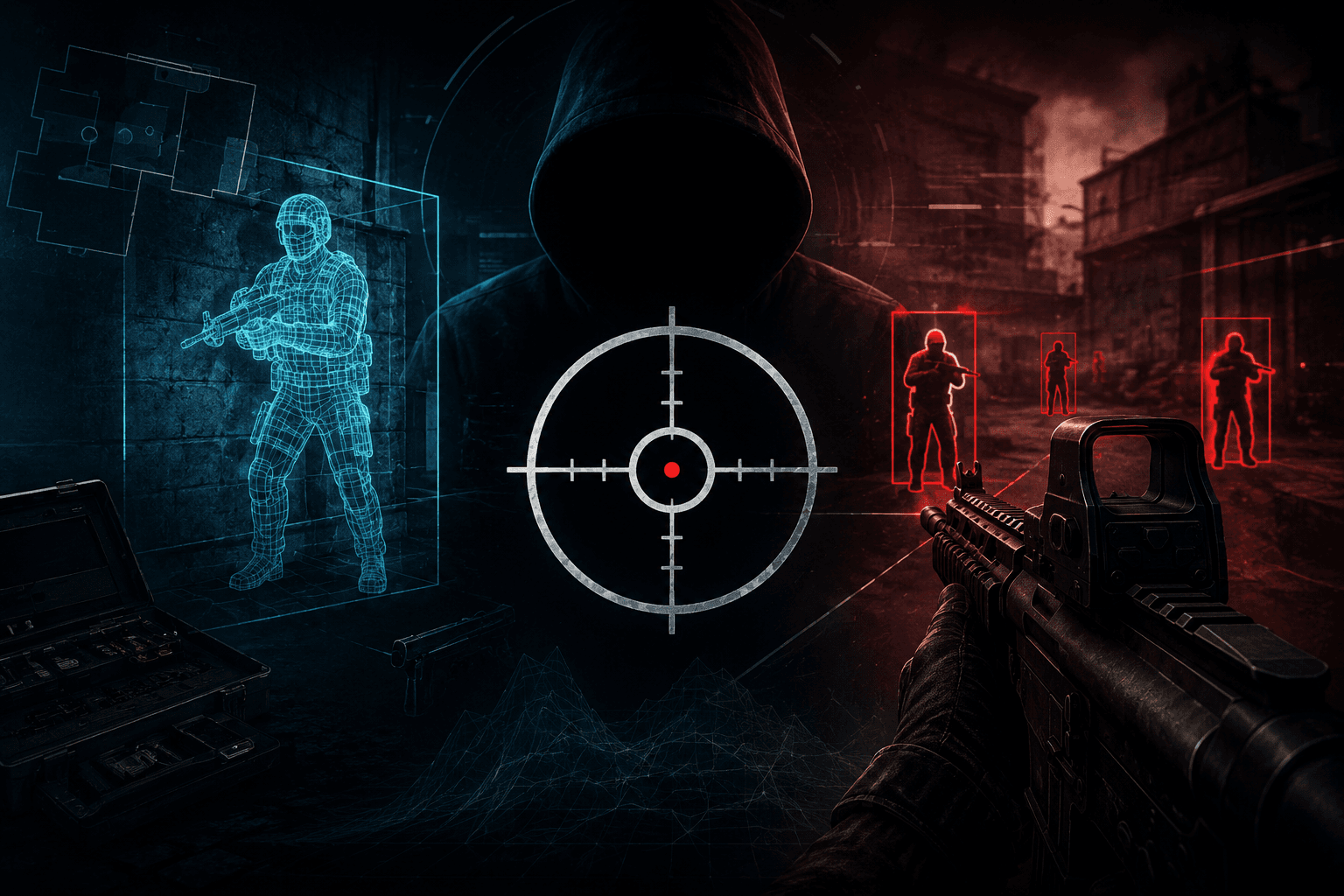
Cheat Features Glossary: Aimbot, ESP, Wallhack and Other Terms Explained
A plain-English glossary of cheat features: aimbot, ESP, wallhack, radar and more. What each term means before you buy.

Why You Get Banned in Arena Breakout and How to Reset a HWID Ban
In Arena Breakout, bans mostly come from behavior that gives away a cheat more than the fact of using one: sharp crosshair snaps straight to the head through objects, shooting through walls without a single miss, and public cheats that ACE flags in bulk. An account ban gets lifted with a new login, but a HWID ban needs a spoofer, because it blocks specific hardware, not a profile, and it's worth knowing that difference before your first raid with a cheat, not after getting blocked.

How to disable Windows Defender
Modern Windows treats Microsoft Defender like a guard who refuses to take a break. You flip the switch off, and a minute later it flips back on. You stop the service, Windows brings it right back. You edit the registry, and the system acts like nothing happened. Here's what still works in 2026, what doesn't anymore, and how to actually disable Defender without fighting the operating system in an endless loop.
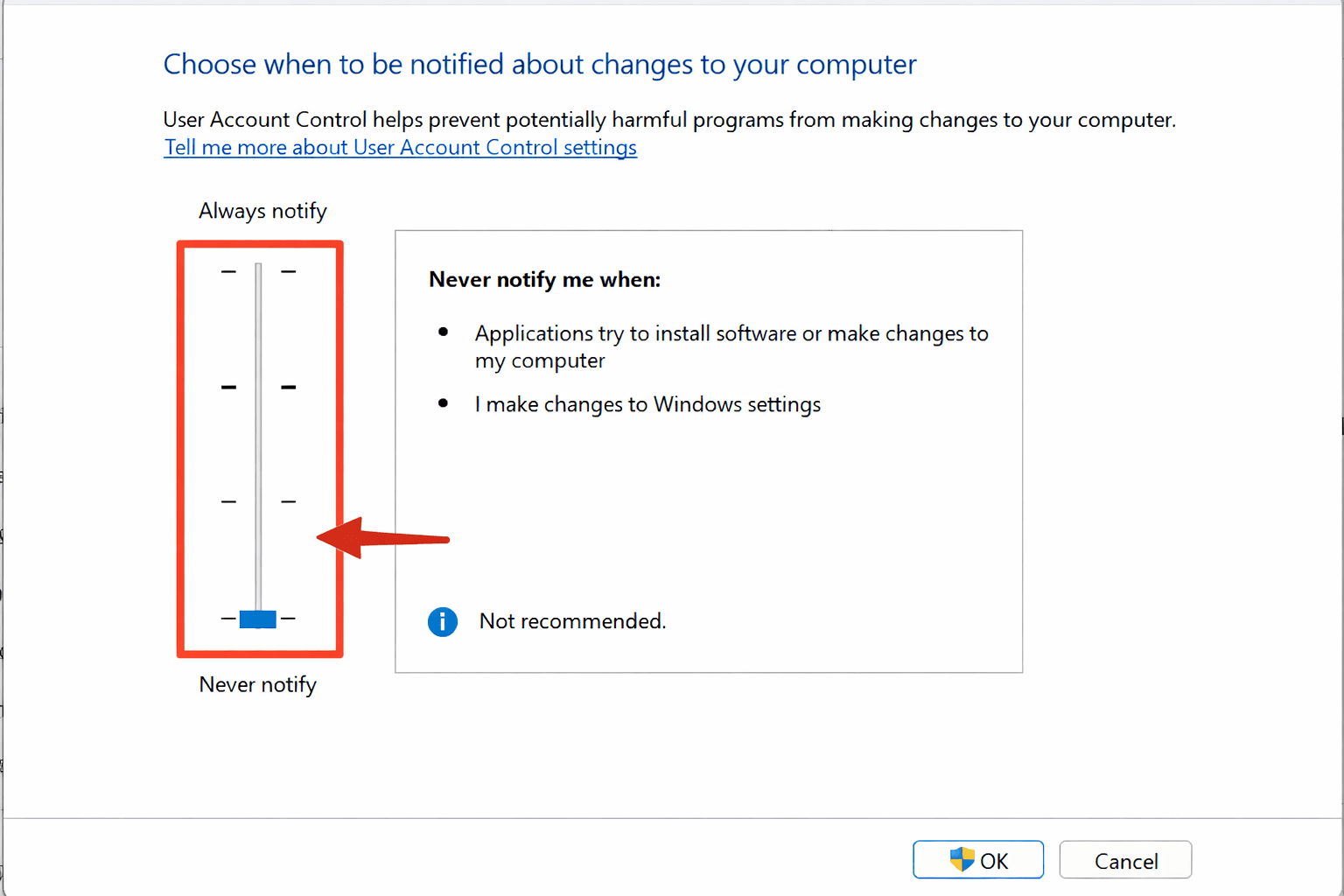
How to Disable UAC in Windows for Cheats
UAC watches over any action that requires administrator rights: installing programs, changing system files, writing to protected folders. For each such action, Windows shows a pop-up asking for confirmation. Cheat loaders work directly with the game process's memory and system components, so they run with administrator rights, and an enabled UAC either blocks part of their actions or keeps interrupting the launch with confirmation prompts.