Supported OC: Windows 10 x64 (2004 / 20H2 / 21H1 / 21H2 / 22H2), Windows 11 x64 (21H2 / 22H2 / 23H2 / 24H2)
Supported CPU: Intel & AMD
Supported game modes: Windowed , Borderless
Stream Bypass: Yes
Anticheat: MRAC
Included spoofer: No
Need flash drive for loader?: Yes
More products for this game
BOOSTER WARFACE
Private cheat for WarFace
- Visa
- Mastercard
- MIR
- SBP
- Apple Pay
- Google Pay
- Crypto
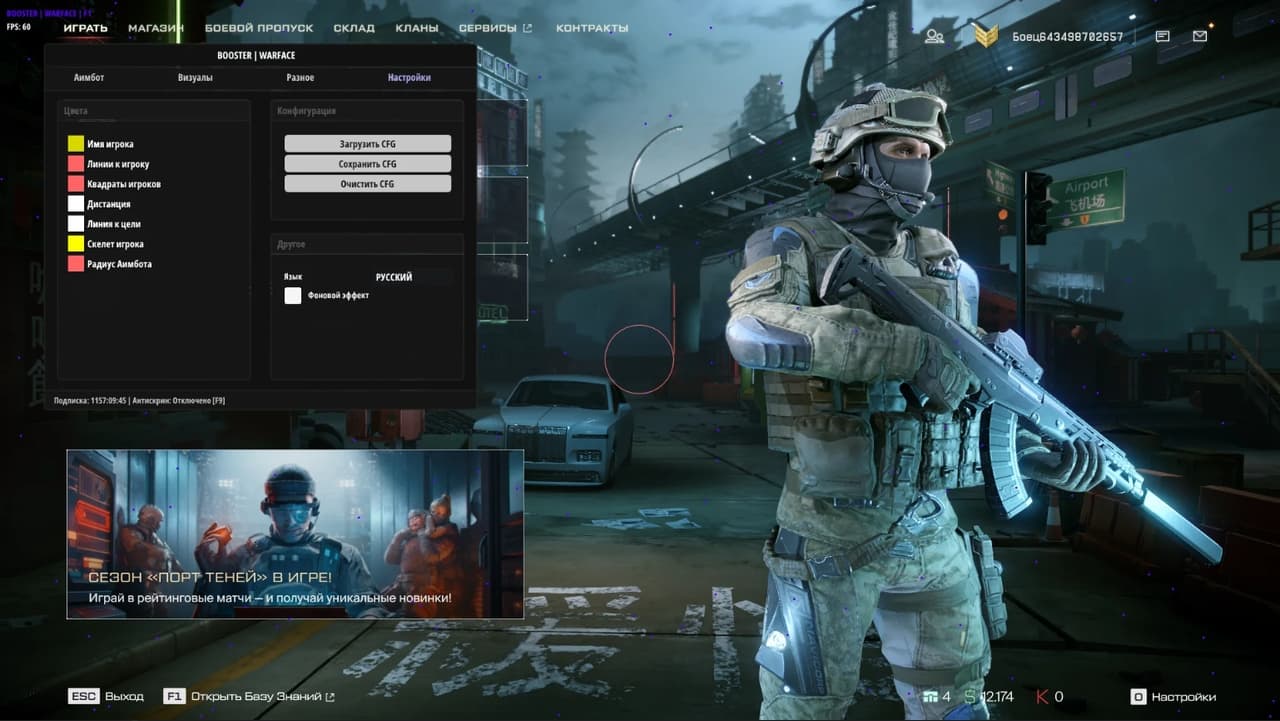
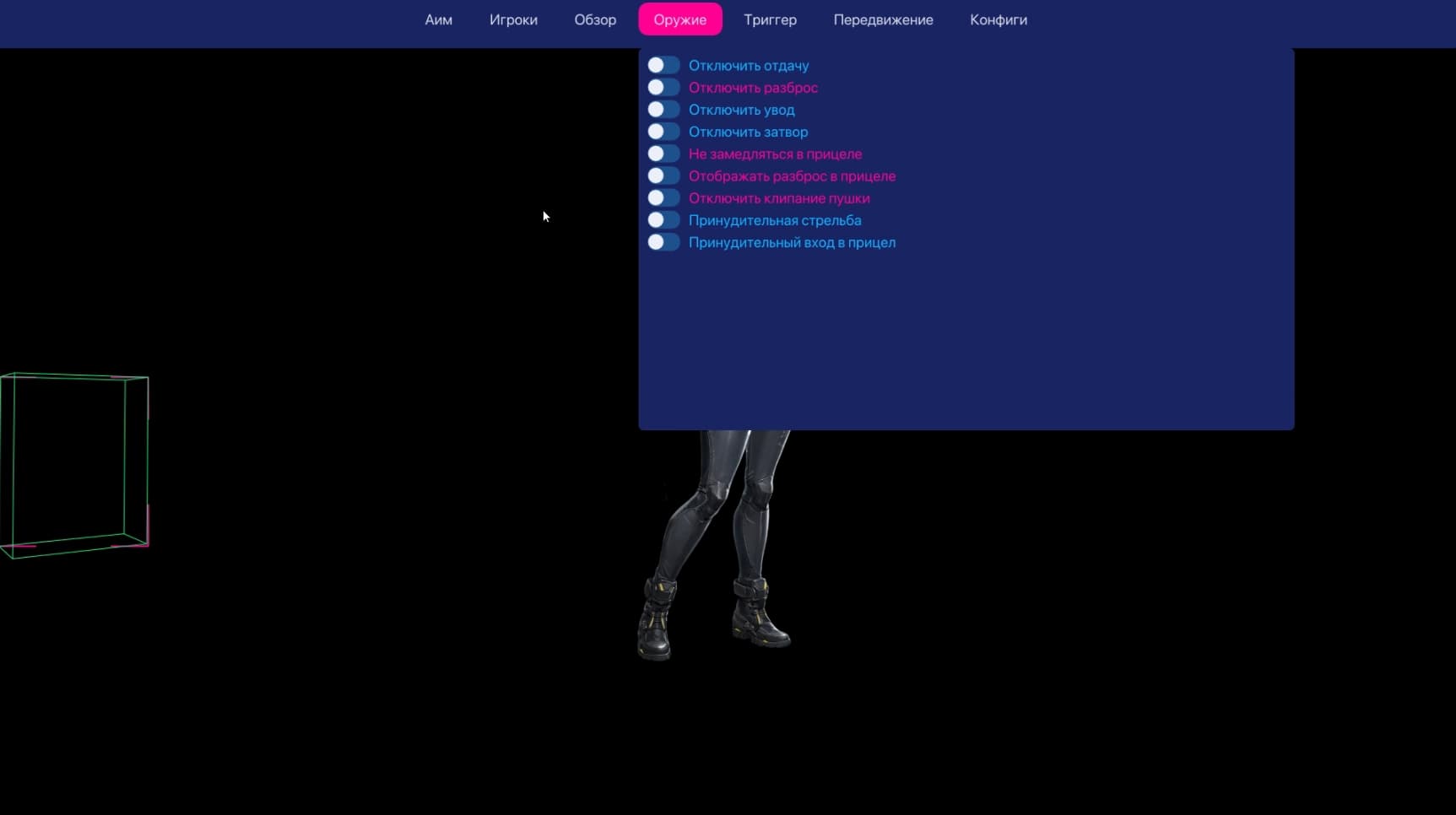
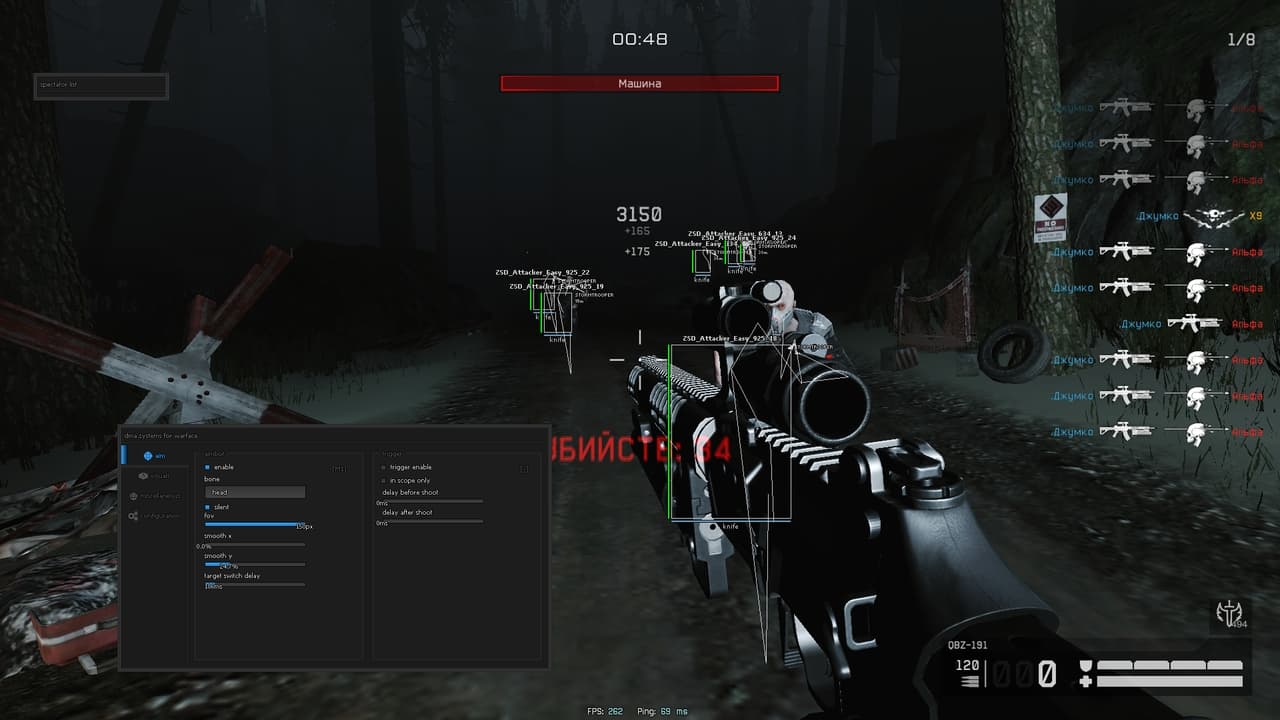
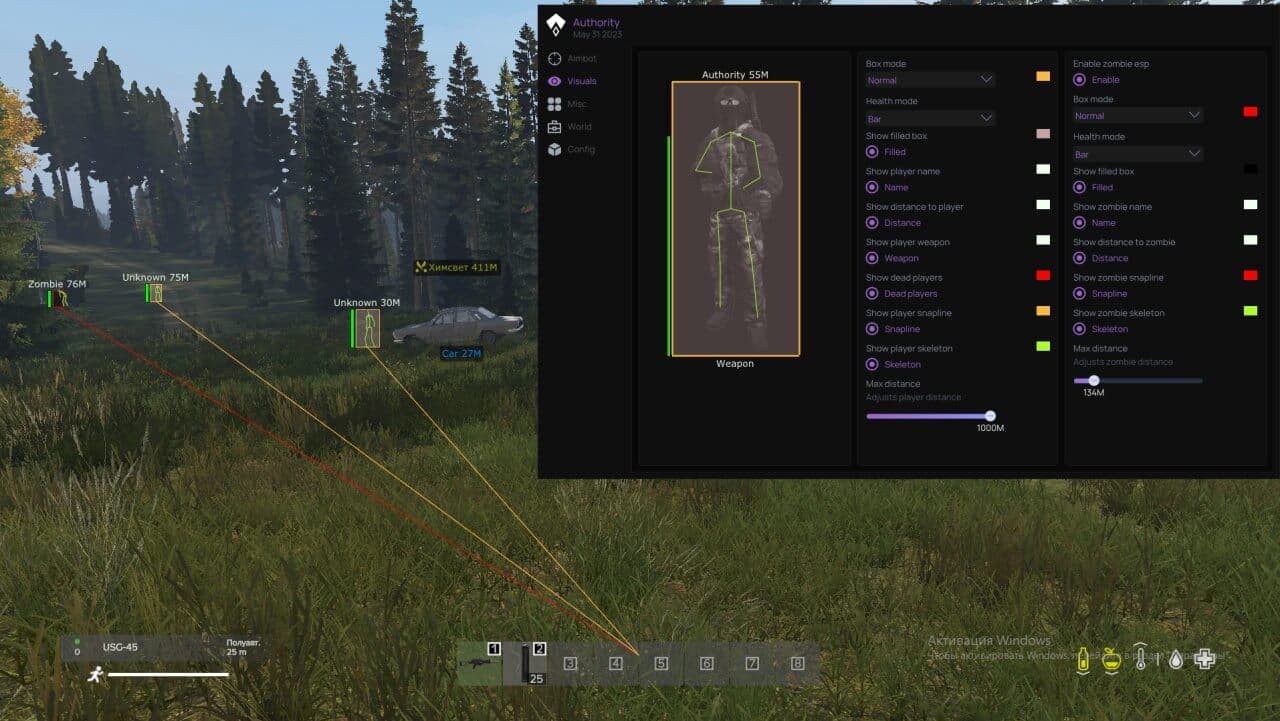
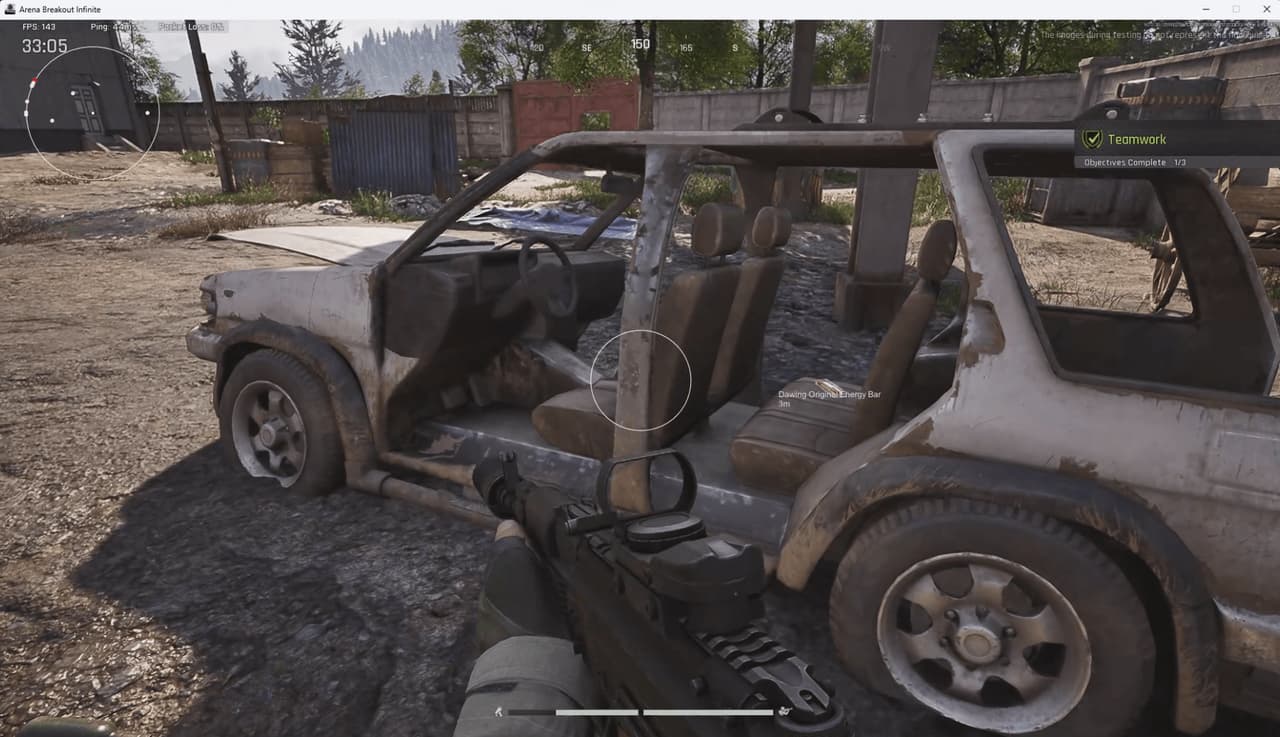
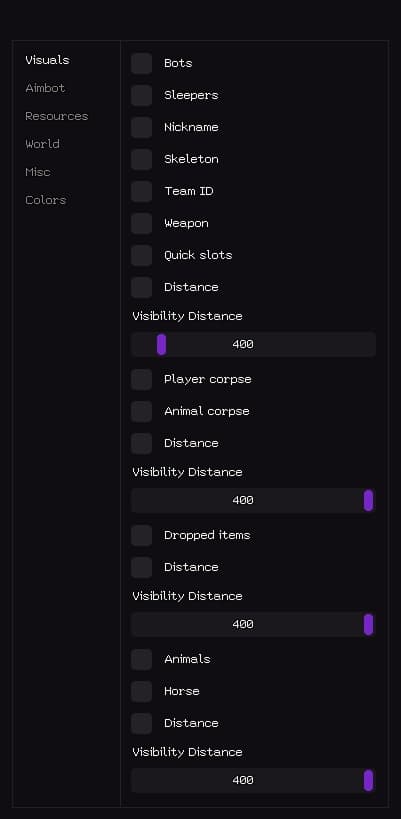
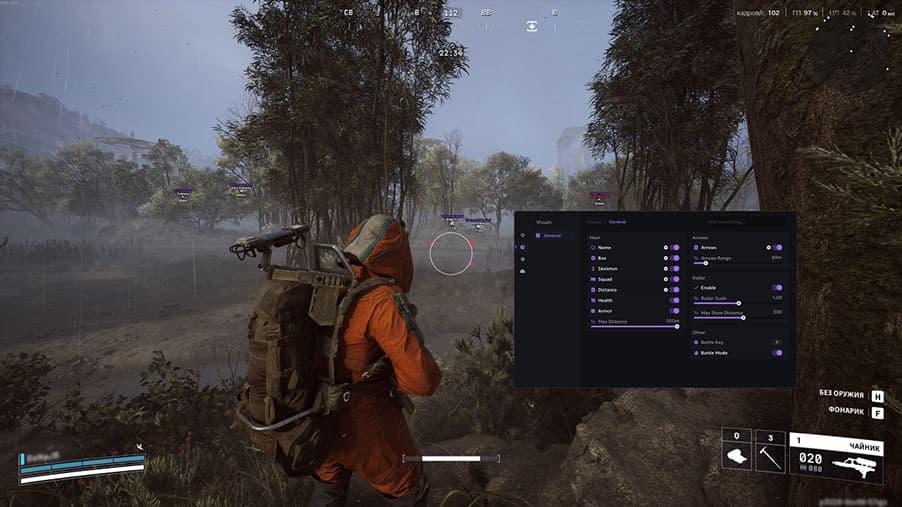
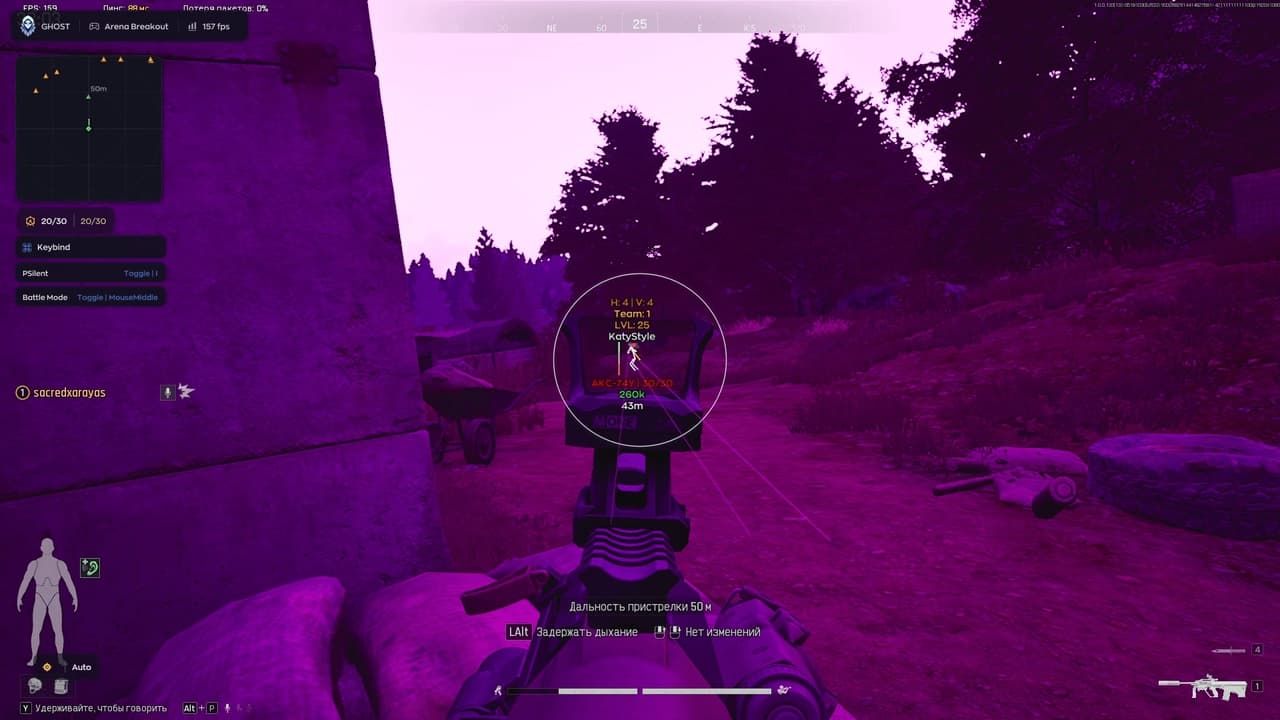
Private BOOSTER WARFACE software for WarFace. Stable operation, low detection rate, instant key delivery after payment. Booster is a private cheat for Warface with Aimbot and ESP, designed for players who want to win with confidence. It helps you track enemies through walls, control their positions, and always hit your target. Simple installation, stable performance, and complete safety without viruses or bans make Booster the perfect choice. Features: VISUALS: • Player Skeleton — Show enemy skeletons • Skeleton Rainbow — Rainbow skeleton effect • Skeleton Size — Adjust skeleton size • Player Line — Show line to enemy • Line Rainbow — Rainbow line effect • Line Size — Adjust line thickness • Player Info — Show player name and distance • Player Health — Show enemy health bar AIMBOT: • Silent Aim — Bullets lock on target • Vector Aim — Crosshair aim assist • Draw FOV — Aimbot field of view • Draw Snapline — Show trajectory to target • Snapline Rainbow — Rainbow trajectory effect • Snapline Size — Adjust snapline thickness • FOV Radius — Adjust aim radius • Target Bone — Select aim bone (Head / Body / Nearest) • Target Key — Select aim key (RMOUSE / LMOUSE / LSHIFT / LALT / LCTRL) • FOV Rainbow — Rainbow FOV effect • Smoothness — Adjust aim smoothness WEAPON: • Recoil Control — Change bullet recoil • Zoom FOV — Change scope zoom • Sway Control — Change weapon sway • Knife Speed — Change knife attack speed • Reload Speed — Change reload speed COLORS: • Player Name — Customize name color • Player Lines — Customize line color • Distance — Customize distance color • Snapline — Customize snapline color • Skeleton — Customize skeleton color • Aimbot FOV — Customize FOV color CONFIG: • Save Config — Save current settings • Load Config — Load saved settings • Clear Config — Delete saved settings LANGUAGE: • Menu Language — Select interface language
More products for this game
Customer reviews
No reviews yet — be the first to share your experience.