Supported game version: only Steam
Included spoofer: No
Anticheat: Game anticheat
Stream Bypass: Yes
Supported game modes: Borderless
Supported CPU: Intel & AMD
Supported OC: Windows 10, Windows 11
More products for this game
UNNAMED
Private cheat for Rust
- Visa
- Mastercard
- MIR
- SBP
- Apple Pay
- Google Pay
- Crypto
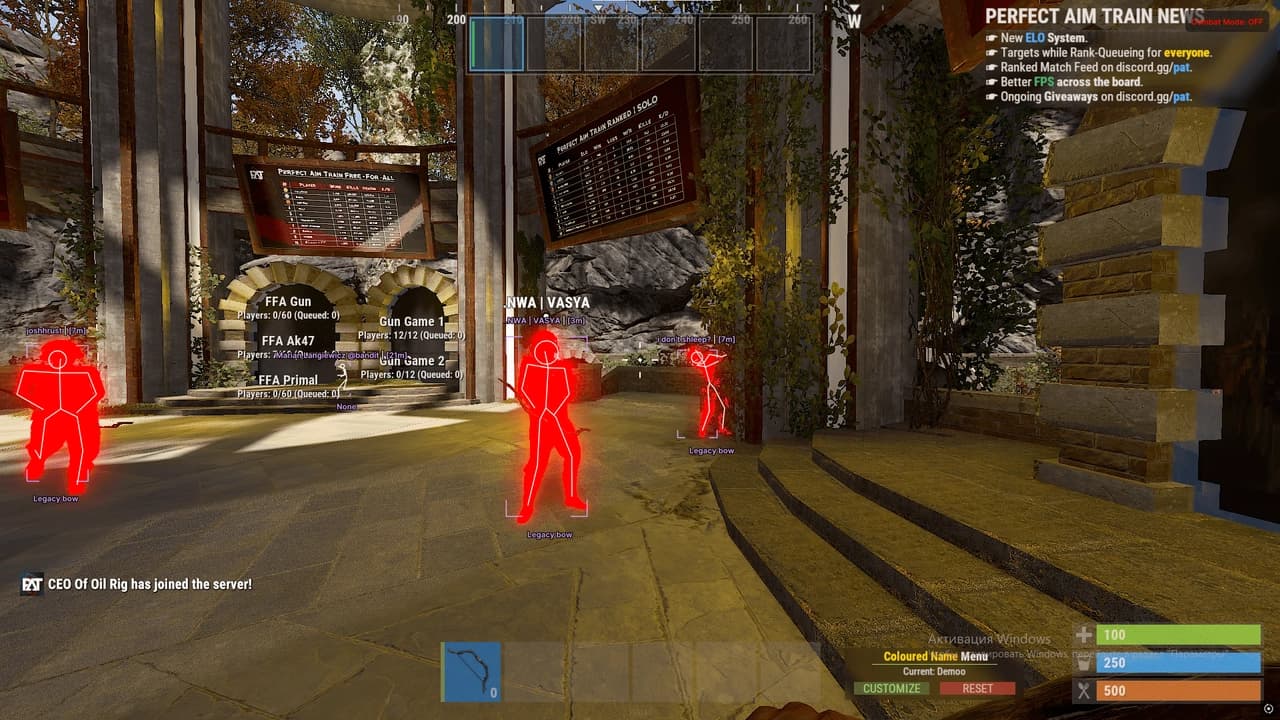
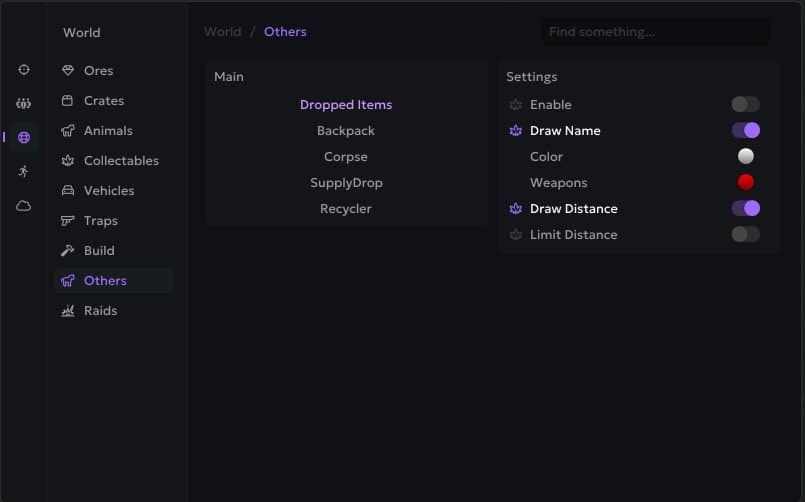
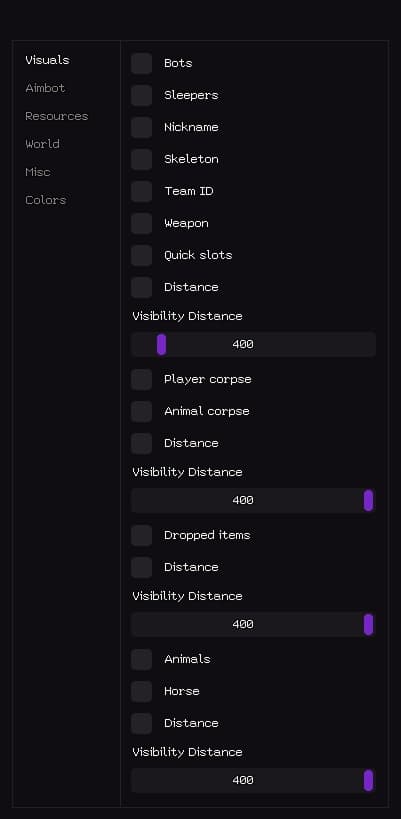
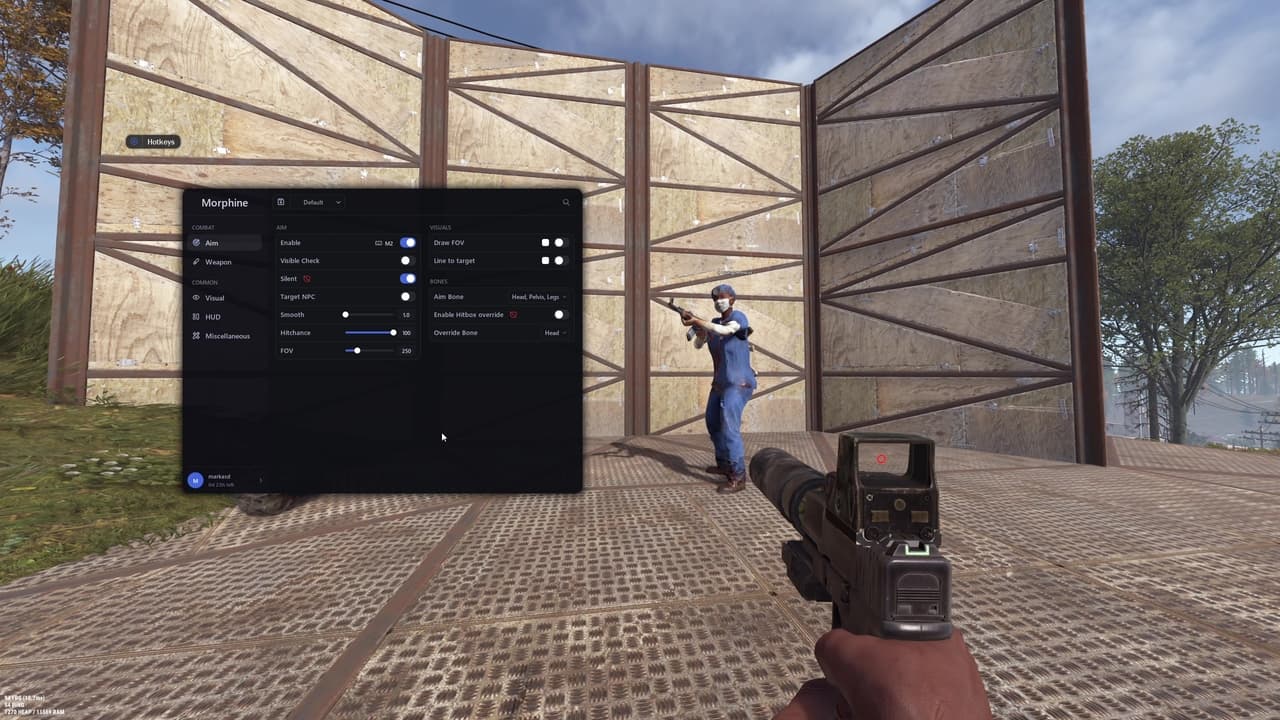
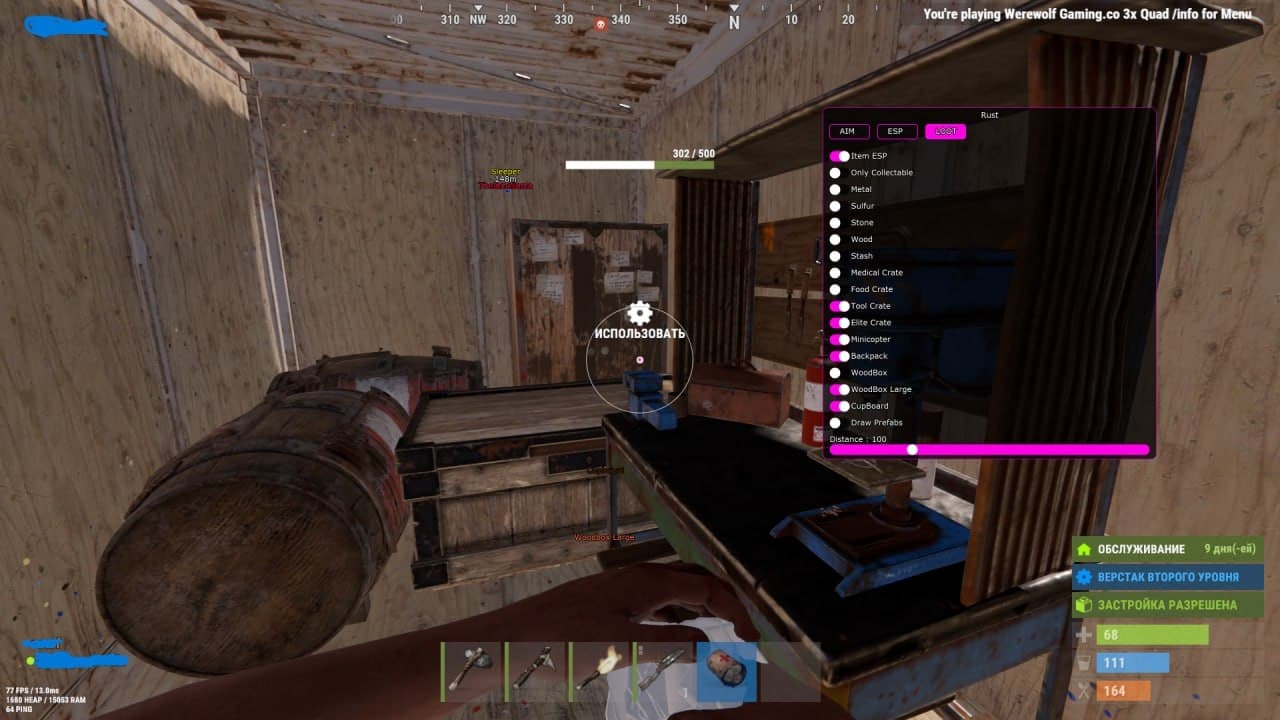
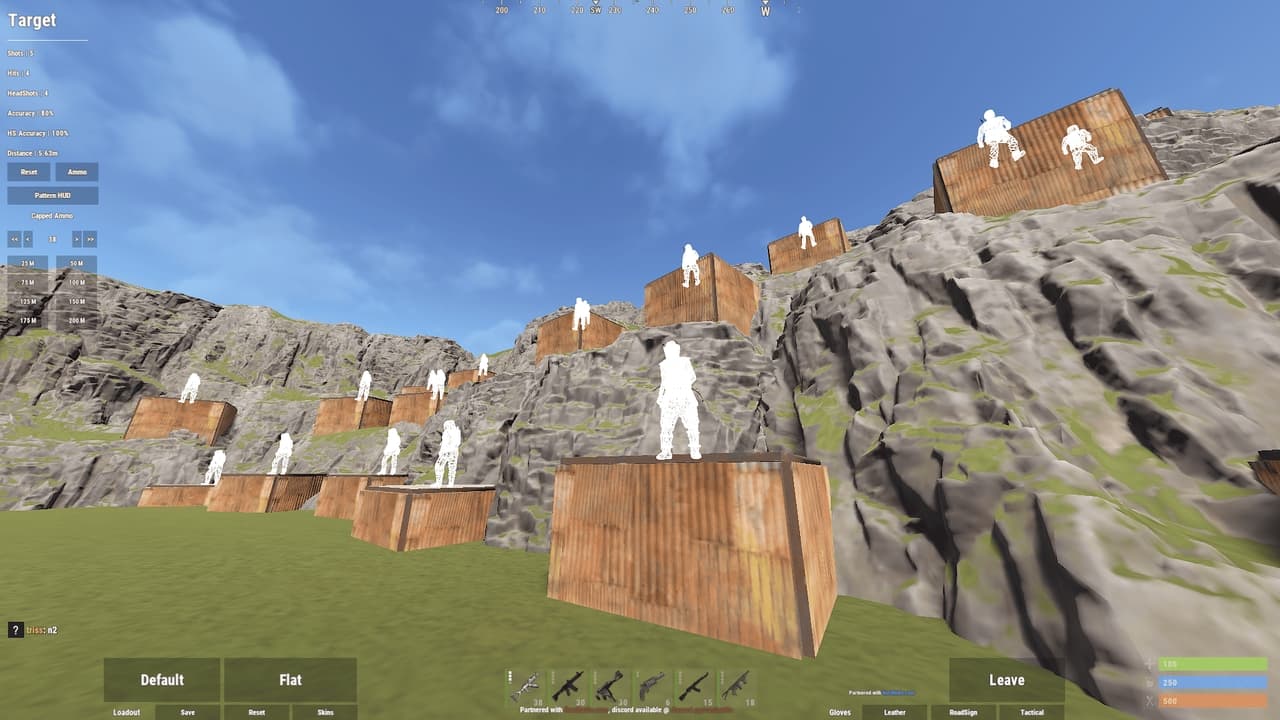
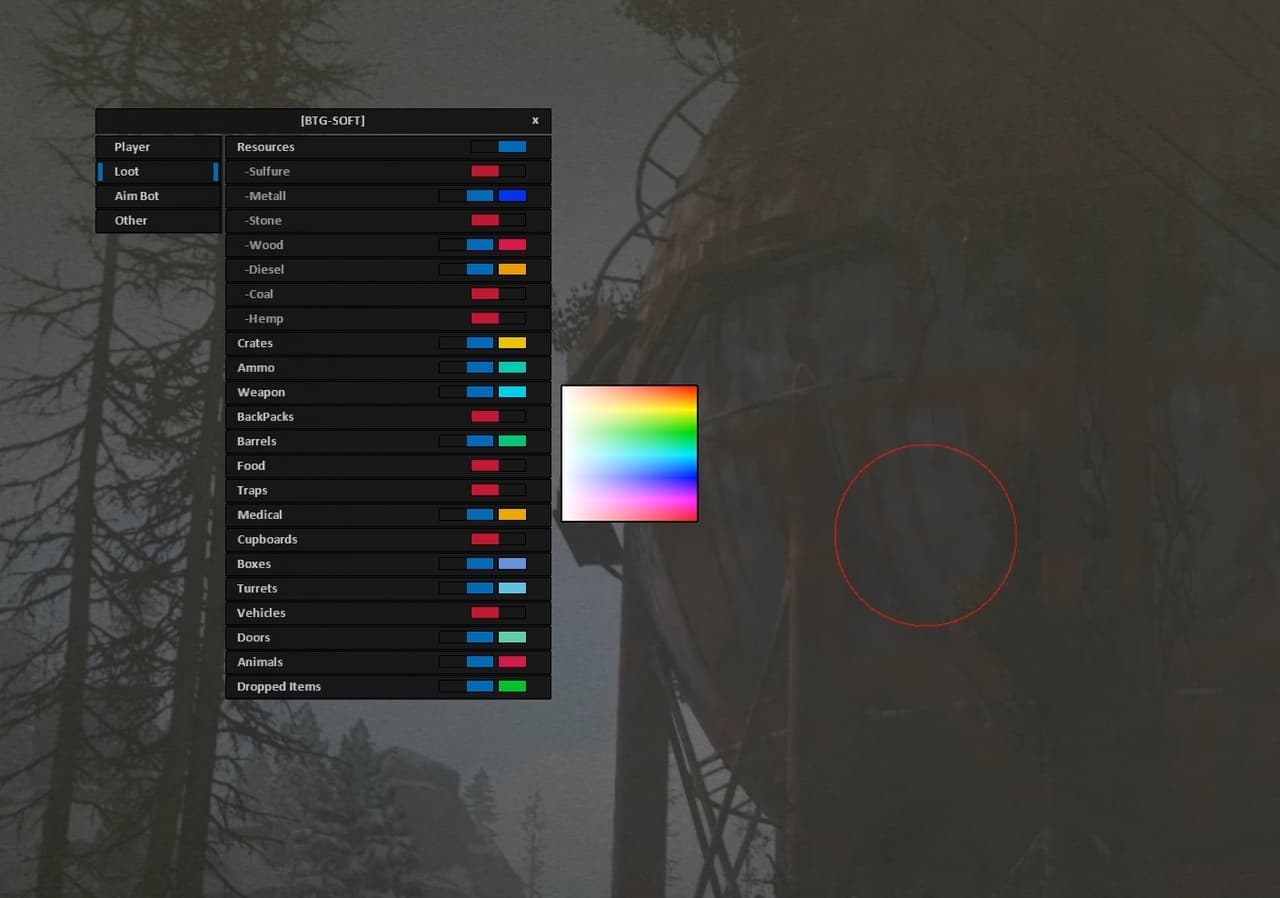
Unnamed is a private cheat for Rust, built for stability, low detection risk and full customization. It includes two powerful aiming systems — Silent Aim and Vector Aimbot — each offering bone selection, FOV control, smoothness, movement prediction, distance limits and filters for sleepers and bots. The ESP system covers players, bots and world objects. Player ESP includes chams, boxes, skeletons, nicknames, distance, held item display, inventory ESP and team/sleeper filtering. Bot ESP provides identical options for full awareness in PvE-heavy areas. The World ESP module highlights all important Rust objects: workbenches, cupboards, large/small boxes, sleeping bags, trees, metal, sulfur, stone nodes, hemp, food, barrels, crates, dropped items, corpses and animals. The Misc tab offers recoil removal, sway/stability adjustments, spread control, a toggle for World ESP via hotkey, ESP font scaling and full configuration management (create, save, load, delete). AIMBOT Silent Aim Enable Silent Aim Bone: Head / Neck / Body Aim Key FOV Max Distance Ignore Sleepers Ignore Bots Draw Line to Target Show FOV Circle Show Aim Target Line Vector Aimbot Enable Aimbot Bone: Head / Neck / Body FOV Smoothness Target Prediction Aim Key Max Distance Ignore Sleepers Ignore Bots Draw Line to Target Show FOV Circle Show Aimbot Target Line Players / Bots ESP Enable ESP Chams (Players / Bots) Boxes Skeletons Show Held Item Show HotBar (Inventory) Nickname Distance Hide Teammates Show Sleepers Max Distance Separate settings for bots World ESP Workbench (with level) Tool Cupboard Large Box Small Box Sleeping Bag Wood / Metal / Sulfur / Stone Hemp Food Barrels Crates Dropped Items Corpses Animals Misc No Recoil (0–100%) No Weapon Sway No Spread Combat Mode Hotkey (turn on/off World ESP) ESP Font Size Enable Crosshair Create / Save / Load / Delete Config
More products for this game
Customer reviews
No reviews yet — be the first to share your experience.